 العربية


Suggested Meta Description: Learn how to design a professional brochure for a product or service using 3D lettering techniques—practical steps, printing standards, and sample models to measure results.
Introduction
In a market crowded with advertising messages, it’s not enough for a brochure to be merely “beautiful”; it must be clear, persuasive, and easy to remember. This is where raised lettering design stands out as a visual solution that gives headlines and key phrases a strong presence and creates an instant impression of professionalism. When 3D lettering is used smartly inside a brochure for a product or service, it helps the reader grasp the idea within seconds—then smoothly guides them to the benefits, the offer, and the contact details.
Why Is Raised Lettering Suitable for a Brochure?
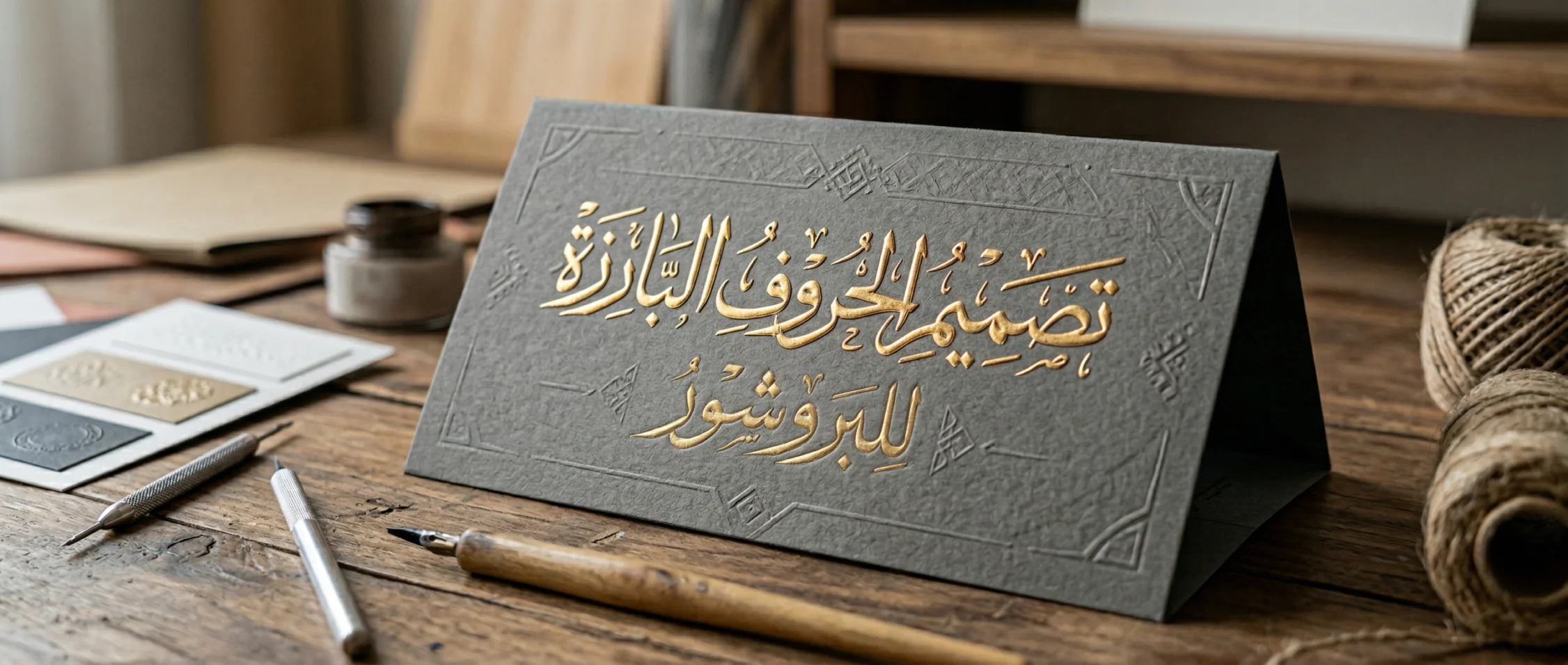
A brochure is a fast-read medium; the customer often scans it in a minute before deciding whether to keep it or ignore it. That’s why we need “attention anchors” that make the message read, not just seen. Using depth, shadow, and highlights thoughtfully achieves this by:
- Improving recognizability: Raised headlines are picked up visually faster than flat text.
- Guiding the eye: The 3D effect creates a visual hierarchy that determines what is read first.
- Building trust: A well-crafted look suggests the product/service is organized and valuable.
- Boosting recall: The brain remembers shapes with depth and contrast more effectively.
- Making decisions easier: When the core benefit is highlighted, customer hesitation decreases.
Understand the Product or Service Before Designing
Every successful brochure starts with two questions: for whom—and why? Before choosing a font or color, gather the following:
- Target audience (age, interests, language, income level).
- The problem the product/service solves.
- The main promise (a clear result within a defined time).
- The price, package, or discount offer.
- One differentiator your competitors don’t have.
Then define the “cover message” in one short sentence, decide where the headline will appear, and where the call to action will be placed (Call now / Book / Order).
Essentials of Raised Lettering Design in a Brochure
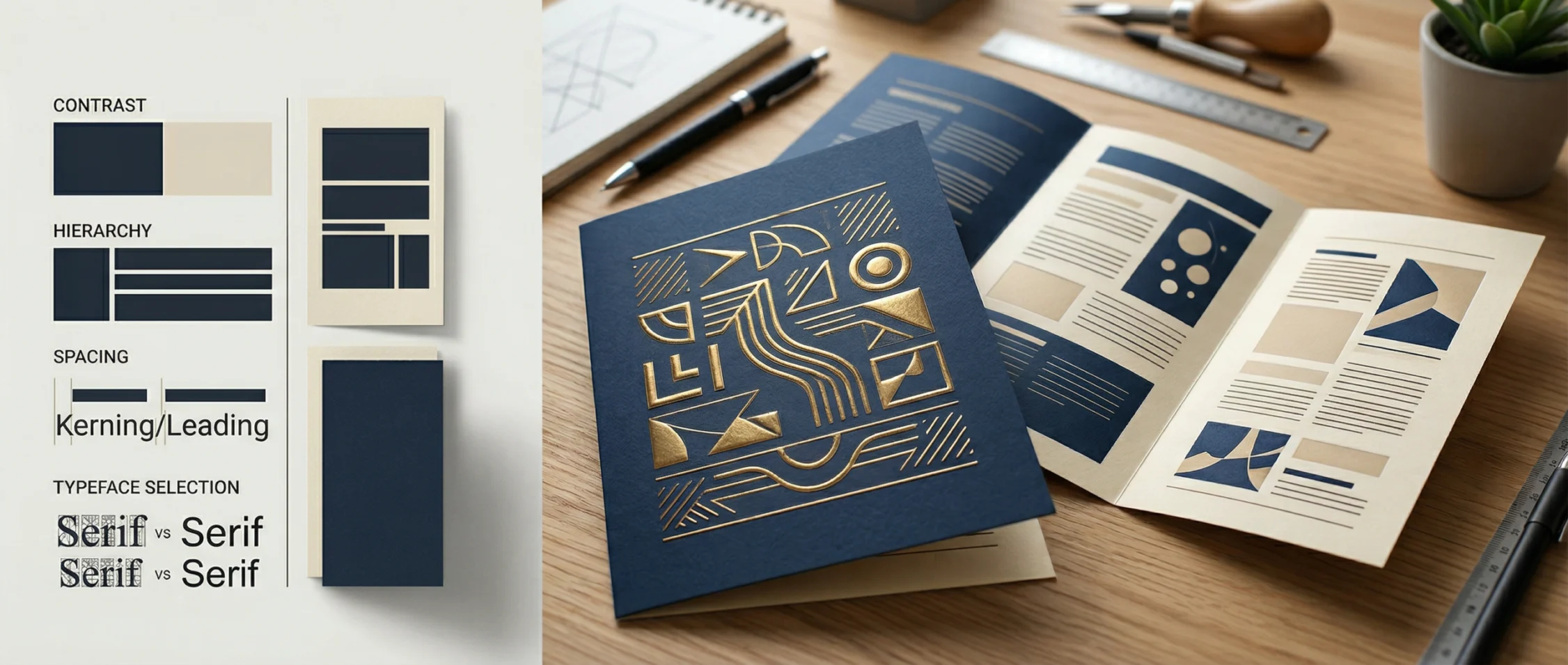
To keep the effect attractive (not exaggerated), focus on three rules: clarity, consistency, and purpose. Raised lettering design here means building readable, print-friendly visual depth—not just adding random shadows.
1) Choose the Right Typeface
- For tech products: clean geometric fonts.
- For medical services: calm fonts with soft edges.
- For restaurants and handcrafted products: friendly fonts with a hand-made feel.
Tip: Use one font for headings and a second for body text, and avoid mixing more than three fonts in the entire brochure.
2) Build Depth and Shadow Logically
Depth isn’t only “thickness”; it’s also a lighting direction. Set a light source (top-right, for example) and keep shadows consistent across all page elements. Subtle depth is usually better than harsh depth—especially when printing on non-glossy paper.
3) Color and Contrast
If the cover is dark, make the letters light—and vice versa. Choose a primary brand color, a supporting color, and a neutral color. Don’t let highlights cover the letter shape; shine should add value, not distract.
4) White Space (Breathing Room)
White space isn’t “empty” space—it’s breathing space. Leave enough margin around the raised headline, especially on the cover. The more clutter, the less valuable the 3D effect becomes.
A Professional Brochure Structure for a Product or Service
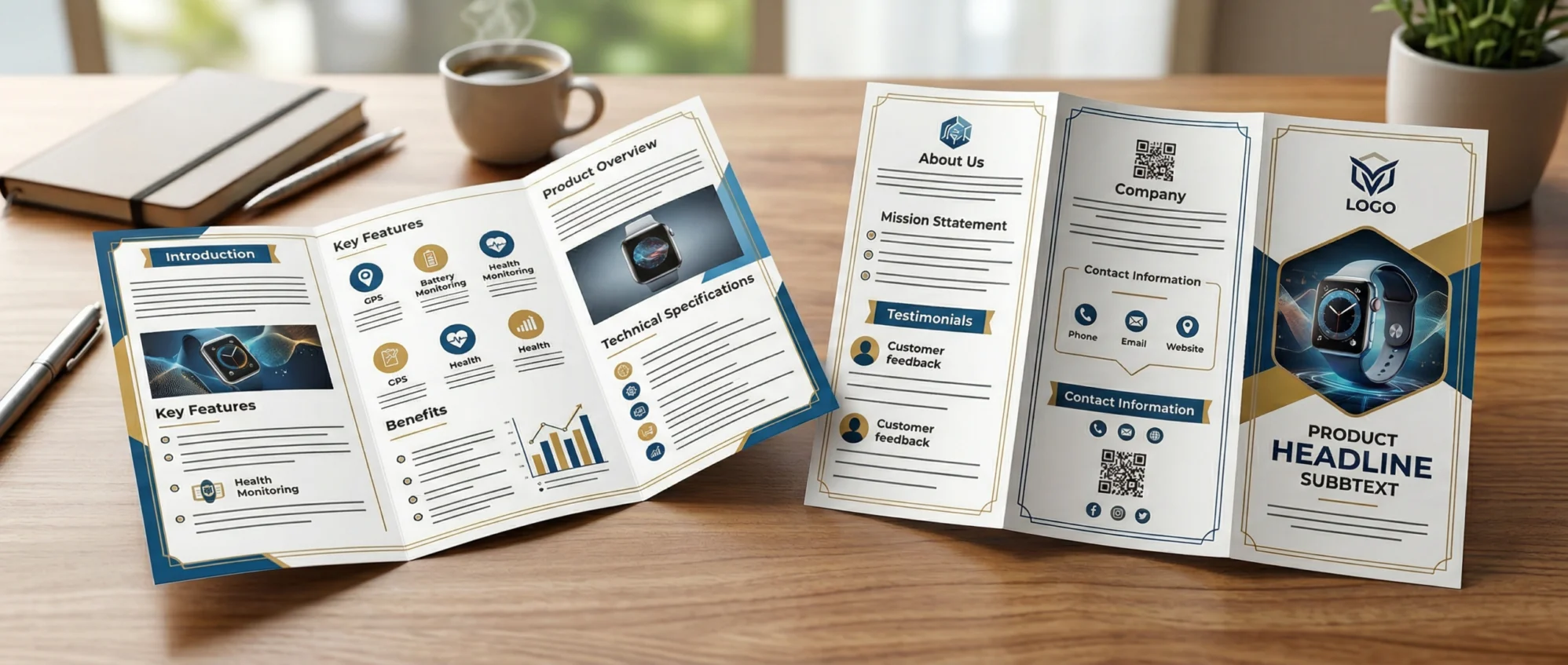
To build an effective brochure, try this order:
- Cover: strong headline + clear promise + trust line (guarantee / years of experience / reviews).
- Inside (page 1): the problem + who we are + why us.
- Inside (page 2): benefits + package/features comparison table.
- Back: call to action + contact channels + a simple map description or location note.
Elements that deserve special emphasis inside the design:
- Raised lettering design only for main headings (cover, key benefit, call to action).
- Any important number (discount, duration, guarantee, speed).
- A short trust phrase (certified, official, guaranteed).
A Short Action Plan to Execute Raised Lettering Design
Professional work succeeds when it becomes measurable steps. Follow this path:
- Write the final brochure copy (don’t start designing before the content is locked).
- Sketch a quick wireframe to distribute headings, blocks, and bullets.
- Create one 3D headline, then reuse it as a consistent style for other headings.
- Test readability from 50–70 cm (how customers typically hold a brochure).
- Prepare a print-ready file with margins, trim, and proper bleed.
- Print a test copy and review colors and shadows.
- Make final tweaks, then approve the final version.
Estimated Effort and Time Breakdown
The table below shows a simple model for planning a brochure project that uses raised lettering design in specific points, with adjustable estimated time based on content size.
| Stage | Goal | Approx. Duration | Deliverables |
|---|---|---|---|
| Information gathering | Understand audience and offer | 0.5 day | Product summary + differentiators |
| Copywriting | Write headlines and text | 1 day | Final copy + CTA |
| Layout design | Visual distribution of elements | 0.5 day | Page wireframe |
| Headline execution | Apply 3D effect | 0.5 day | Consistent headline style |
| Table formatting | Present packages/features | 0.5 day | Comparison tables |
| Review & test print | Ensure print clarity | 0.5 day | Test print |
| Final approval | Export print-ready file | 0.5 day | Final print file |
A Simple Package Comparison Table Inside the Brochure
A clear table increases conversions because it reduces hesitation. Use simple language and fewer columns:
| Package | Best for | Includes | Delivery time | Indicative price |
|---|---|---|---|---|
| Basic | Trying the service | 1 feature + email support | 3 days | Low |
| Standard | Most customers | 3 features + WhatsApp support | 5 days | Medium |
| Advanced | Companies | All features + follow-up | 7 days | Higher |
Short Ready-to-Use Marketing Copy for a Brochure
When writing the copy, make every line support the purchase decision:
- “Tangible results within a week—without complexity.”
- “A guaranteed service with clear steps and follow-up reports.”
- “Pay based on your needs: flexible packages that suit everyone.”
- “Start now and get a free initial consultation.”
Common Mistakes That Reduce the Impact of 3D Letters
- Overdoing shadows until the letters become unreadable.
- Applying the 3D effect to all text instead of only headings.
- Weak contrast between text and background.
- Ignoring paper type; matte paper needs softer gradients.
- Inconsistent lighting direction across pages, which breaks visual consistency.
Printing and Finishing Considerations for a Successful 3D Effect
Even if the design is excellent, its impact can weaken after printing if settings aren’t correct. Before sending to the printer, check: color mode (CMYK), 300dpi resolution, and shadow gradients. Paper choice also matters: coated stock increases color saturation, while matte reduces glare and gives a more premium look.
| Paper/Finish Option | Overall Impression | When to Use | Cost Note |
|---|---|---|---|
| Gloss-coated | Vivid colors and shine | Fast promos and consumer products | Medium |
| Matte-coated | Elegant and visually calm | Professional services and formal branding | Medium |
| Spot UV on the headline | Focused emphasis | To highlight a word/number | Higher |
Measuring Brochure Results After Distribution
Link each version to a trackable indicator: a discount code, a link, or a QR code per campaign. After two weeks, you’ll know which headline performed better—then you can improve the next version.
| Measurement Metric | How to Collect | What It Reveals | Practical Target |
|---|---|---|---|
| Response rate | Calls/visits ÷ distributed copies | Strength of headline and offer | Start with 1%–3% |
| Acquisition cost | (Printing + distribution) ÷ new customers | Spend efficiency | Lower it by improving targeting |
| Conversion rate | Customers ÷ responders | Persuasion strength | Improve CTA and guarantee |
Quick Checklist Before Approving the Brochure
Review these points carefully:
- The headline is clear within 3 seconds.
- The call to action appears on the cover and the back.
- Contact details are concise and easy to copy.
- Font size is readable when printed.
- Colors are consistent with brand identity.
- A printed proof is tested before approving the full quantity.
- Raised lettering design is used only in limited places with a clear purpose.
- There’s no visual clutter around headlines.
How to Make the Content SEO-Friendly Using a Supporting Landing Page
The brochure is printed, but it can support SEO when connected to a landing page carrying the same message. In the brochure, place a short link or a QR code that points to a page containing:
- A headline matching the brochure’s promise.
- Benefits explained with an FAQ section.
- Photos/reviews (on the website only) to strengthen trust.
- A quick contact form or WhatsApp button.
- Relevant keywords for your niche—without stuffing.
To improve visibility on Google, make the page clearly answer: What do you offer? For whom? What results? What price/pricing method? And what social proof?
FAQ
Is raised lettering design suitable for all types of products?
Yes, but it must be adjusted to fit the brand identity. Formal products prefer lighter depth, while entertainment products may benefit from stronger depth and texture.
What’s the difference between the on-screen effect and the printed effect?
The visual effect is seen on-screen, while the printed effect depends on paper and ink. That’s why you should print a proof—especially when using gradients and shadows.
When should I use 3D letters instead of a flat headline?
When you want to draw attention to a “promise,” a “benefit,” or a “discount” without distracting the rest of the page. The goal is focus—not just spectacle.
Conclusion
A successful brochure respects the customer’s time and gives a clear reason to choose your product or service. When you use raised lettering design in moderation within an organized content structure, clear tables, and a strong call to action, you’ll notice a difference in engagement and brochure retention—and then in calls and orders. Start with a simple message, apply readable depth, test a printed proof, and you’ll end up with marketing material that looks strong and works in real life.